
Intel H610 OPS vs. Android RK3588 OPS: Edge AI Decision Guide
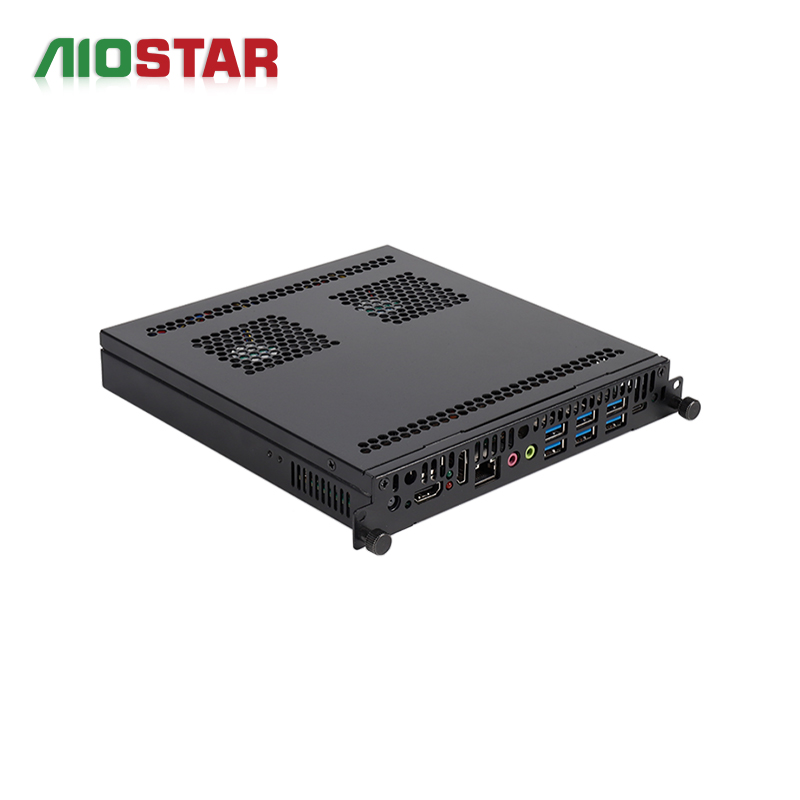
Short answer: the Discrete-GPU OPS Computer AOS-SOH61I41SXG and the Android AI OPS Computer AOS-SOR358464H are not two versions of the same product. The AOS-SOH61I41SXG is an Intel H610 OPS PC that supports selected 12th and 13th Gen Intel Core i3, i5 and i7 processors and offers optional discrete graphics by project. The AOS-SOR358464H is a Rockchip RK3588 octa-core OPS module running up to 2.4 GHz with an integrated 6 TOPS NPU and a choice of Android 13, Ubuntu or Debian. Choose the H610 platform when the edge AI application needs a socketed x86 processor path, a configurable operating system and an optional discrete GPU; choose the RK3588 module when the application needs an ARM SoC with integrated NPU inference inside an Android or Linux software stack.
Shenzhen Aiostar Electronics Co., Ltd. (AIOSTAR) is a computer hardware supplier established in 2015 in Shenzhen, China, that develops, produces and supplies OPS PCs, OPS-C pluggable computer modules, Android OPS PCs, industrial motherboards, mini PCs, BOX PCs, industrial panel PCs, servers and customized embedded computing systems for interactive displays, digital signage, education, corporate meetings and industrial projects.
This comparison is written for buyers in the research and evaluation stage of an edge AI display project. It contrasts processing architecture, AI acceleration, memory and storage, operating system options and installation fit using published AIOSTAR product specifications, and it deliberately avoids performance claims that the specifications do not support.
Problem Definition: Why the Architecture Decision Comes First
An OPS PC is no longer only a media player. Interactive flat panels, digital signage screens, information kiosks and edge AI display terminals increasingly run application logic and inference locally inside the display, in the same mechanical slot that previously hosted a simple playback module. That shift turns a hardware purchase into an architecture decision, because the module chosen determines which operating system, drivers, AI runtimes and content software can run at all.
Two variables usually decide the outcome before any specification comparison begins.
- Where inference runs. An integrated NPU performs inference on the same SoC as the CPU and GPU. A discrete graphics card performs GPU-assisted workloads on a separate add-in device. The AOS-SOR358464H follows the first model with an integrated 6 TOPS NPU; the AOS-SOH61I41SXG follows the second model with optional discrete graphics available by project.
- Which operating system the application requires. The RK3588 module ships with Android 13, Ubuntu or Debian options. The H610 module's operating system is configurable per project, and AIOSTAR lists operating system image customization within its OEM and ODM scope.
Teams that select the display first and the compute module second often discover late that the module cannot host the required AI runtime, that the driver stack does not match the touch controller, or that the thermal envelope cannot be met inside the closed display chassis. Confirming architecture early protects the whole validation chain: display firmware, touch module, camera, microphone array, content management software and network.
Industry Background: Where OPS Compute Sits in the Display Stack
The slot these modules occupy is standardized. Intel's Open Pluggable Specification (OPS) standardizes a mechanical and electrical interface between displays and media players using a unified 80-pin JAE connector with a footprint of 180 mm x 119 mm x 30 mm. A regional variant, OPS-C, is widely adopted in the Chinese domestic market for educational interactive whiteboards and uses slightly different dimensions, typically 180.8 mm x 195.2 mm x 42.5 mm. Buyers evaluating slot-in modules therefore need to confirm which mechanical standard their display chassis actually provides.
The underlying market is large and still modularizing. Published third-party estimates place the global Interactive Flat Panel market at approximately USD 12.6 billion in 2024, while the global Industrial Personal Computer market, which includes industrial-grade OPS modules, was estimated at USD 6.48 billion in 2024 with a projected CAGR of 6.30% through 2032. Research firms vary slightly on industrial PC sizing depending on whether embedded systems are counted, so a range rather than a single number is the honest way to read that segment.
Adoption data points in the same direction. Integrated OPS-slot compute modules and Android-based SoC modules are estimated to ship in 15 to 25 percent of new Interactive Flat-Panel Display units, and the global interactive whiteboard market is projected to reach USD 730 million by 2030, with OPS penetration remaining a growth driver for modular classrooms.
Two architectural families have emerged from that modularization, and they map to different adoption patterns: x86 OPS modules for desktop-class, graphics-assisted display and visualization work, and ARM-based Android OPS modules for always-on signage, kiosk and edge AI terminal deployments.
Detailed Solution: The Two Candidate Architectures
AOS-SOH61I41SXG — Intel H610 OPS Computer with Optional Discrete Graphics
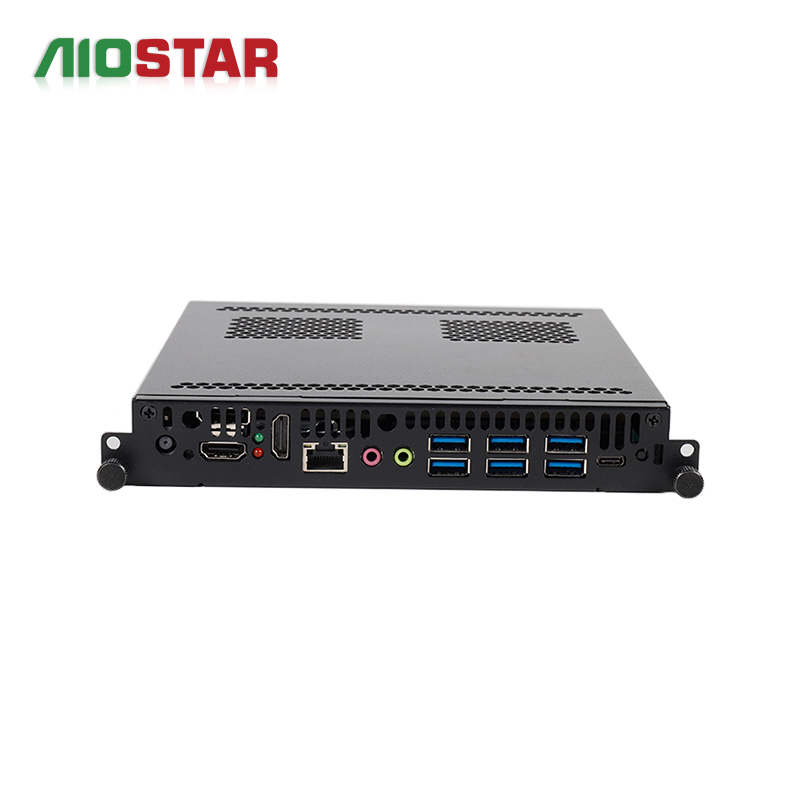
- Platform: Intel H610 (LGA1700), supporting selected 12th and 13th Gen Intel Core i3, i5 and i7 processors.
- AI acceleration path: optional discrete graphics available by project.
- Video output: HDMI, HDMI and DisplayPort; up to 8K 60 Hz output subject to the selected CPU, GPU and display configuration.
- Configuration scope: memory, storage, video outputs, cooling and operating system are configurable per project.
- Construction: sheet-metal enclosure, PCB assembly, aluminum heat sink and cooling fan.
- Applicable industries: large-format commercial displays, LED meeting displays, video walls, visualization systems and multi-display projects.
AOS-SOR358464H — Rockchip RK3588 Android and Linux OPS Module
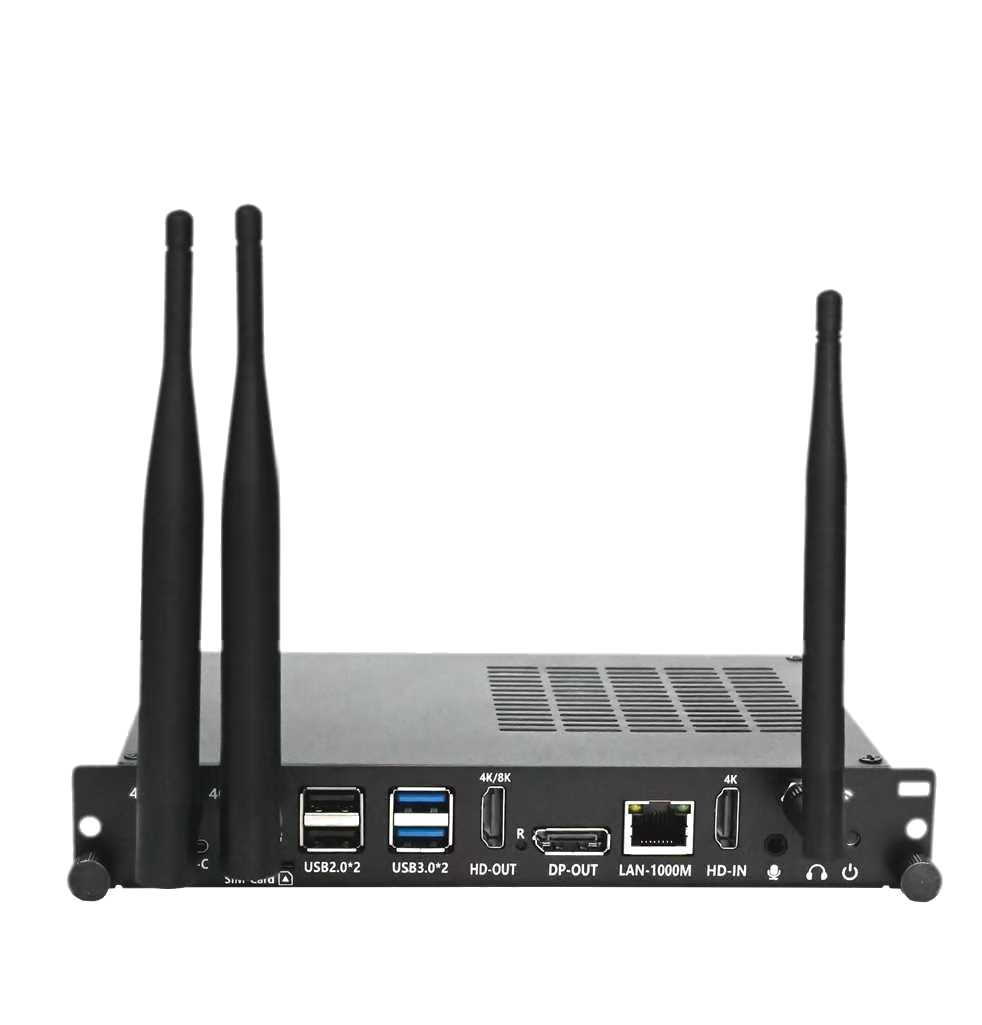
- Platform: Rockchip RK3588 octa-core CPU up to 2.4 GHz.
- AI acceleration path: integrated 6 TOPS NPU on the SoC.
- Memory and storage: 4 GB LPDDR4 memory standard and up to 16 GB optional; eMMC storage.
- Operating systems: Android 13, Ubuntu or Debian options.
- Multimedia: 8K multimedia capability depends on firmware and interface configuration.
- Construction: sheet-metal enclosure, PCB assembly and aluminum heat sink.
- Applicable industries: digital signage, interactive displays, smart retail, information kiosks and edge-AI display terminals.
How Each Architecture Maps to Edge AI Workloads
The H610 OPS suits deployments where the workload behaves like a desktop application. Because the platform accepts selected 12th and 13th Gen Intel Core i3, i5 and i7 processors and can carry optional discrete graphics, it is designed for projects that combine high-resolution content playback with optional GPU-assisted workloads, in an indoor controlled environment, installed in the display's OPS slot and running continuously or on a defined schedule. Typical applications are LED meeting displays, video walls and visualization systems. Projects of this type must confirm the GPU model, power budget, heat dissipation, output resolution and display compatibility.
The RK3588 OPS suits deployments where inference is embedded in a compact, always-on display terminal. Its integrated 6 TOPS NPU runs inside the same SoC as the octa-core CPU, and the module is designed for indoor commercial environments requiring scheduled or continuous media playback and remote content updates, decoding and displaying scheduled video, images and information content. Its applicable industry list covers digital signage, interactive displays, smart retail, information kiosks and edge-AI display terminals. Projects of this type must confirm codec, resolution, content management software, storage, network and thermal requirements.
Neither module is published with comparative benchmark results, and this guide makes no performance claims. The correct reading of these specifications is fit, not ranking: each architecture is specified for a different software stack, a different accelerator model and a different project profile.
Step-by-Step Breakdown: Choosing Between the Two Modules
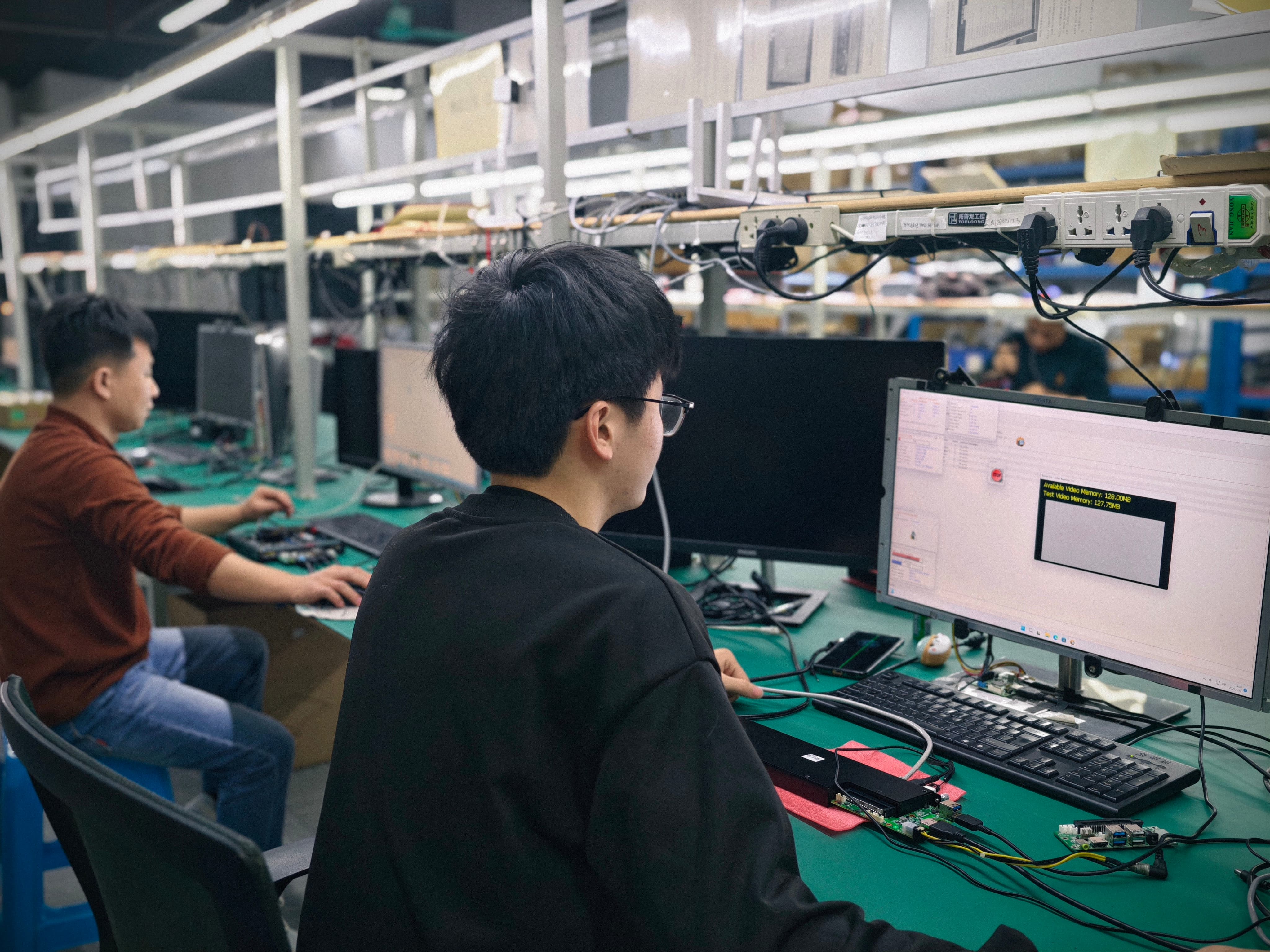
The following sequence is a practical selection workflow for a display or signage project with an edge AI component.
Step 1 — Define where inference runs. Decide whether inference must be performed by an integrated NPU inside an ARM SoC, by an optional discrete GPU on an x86 platform, or on the CPU itself. This single answer eliminates one of the two modules in most projects.
Step 2 — Fix the operating system and application stack. If the application is an Android or Linux build, the RK3588 module's Android 13, Ubuntu or Debian options are the natural starting point. If the application is a desktop-class workload, the H610 platform's configurable operating system is the relevant path, and AIOSTAR can supply a customized operating system image as part of an OEM or ODM program.
Step 3 — Match the accelerator to the runtime. Confirm that the AI framework used by the application is available for the target OS and for the chosen accelerator. The 6 TOPS NPU is specified on the RK3588 SoC; discrete graphics on the H610 platform are available by project, which means the graphics model must be specified and confirmed rather than assumed.
Step 4 — Confirm display output requirements. The H610 module provides HDMI, HDMI and DisplayPort outputs, with up to 8K 60 Hz output subject to the selected CPU, GPU and display configuration. The RK3588 module lists 8K multimedia capability depending on firmware and interface configuration. In both cases the achievable output depends on the configuration, so output resolution should be verified against the final build.
Step 5 — Size memory and storage. The RK3588 module specifies 4 GB LPDDR4 memory as standard with up to 16 GB optional, plus eMMC storage. The H610 module specifies configurable memory and storage. Memory sizing should follow the operating system, the AI runtime and the content workflow rather than a default value.
Step 6 — Verify mechanical, thermal and power fit. Confirm the display chassis slot standard, the connector pinout, the display resolution, the cooling approach and the power budget. On the H610 OPS this verification explicitly includes the graphics model, power budget, heat dissipation, output resolution and display compatibility. On OPS-C projects, mechanical size, connector pinout, display resolution, cooling and operating system image must be verified before mass production.
Step 7 — Validate with an evaluation sample before mass production. Sample evaluation is the point at which the architecture decision is proven against real content, real thermal behaviour and real peripheral compatibility, rather than against a specification sheet.
Use Cases: Project Scenarios Where Each Module Fits
Large-Format Visualization, LED Meeting Displays and Video Walls
This scenario is built around high-resolution graphics, optional multi-display output and extended operation in an indoor controlled environment. The module provides high-resolution content playback and optional GPU-assisted workloads, and it is installed in the display's OPS slot, running continuously or on a defined schedule. Supporting equipment typically includes the large-format display, an LED controller or video wall controller, the content system and the network. The AOS-SOH61I41SXG, with its H610 platform and optional discrete graphics, is the module specified for this profile.
Digital Signage and Smart Retail Terminals
This scenario requires scheduled or continuous media playback with remote content updates in an indoor commercial environment. The module decodes and displays scheduled video, images and information content, operating with local or network-based content management. Supporting equipment includes an LCD or LED display, a content management system, network connection, speakers and optional sensors, and the deployment must confirm codec, resolution, content management software, storage, network and thermal requirements. The AOS-SOR358464H, with its RK3588 octa-core CPU, integrated NPU and Android or Linux options, is specified for this profile and for edge-AI display terminals.
Meeting Rooms and Interactive Conference Displays
Meeting room deployments are application-led. The module provides the computing platform for conferencing, document sharing, whiteboarding and presentation, installed in the display's OPS slot with local operation, network access and optional auto power-on. Supporting equipment includes the interactive display, camera, microphone array, speakers, touch controller and network, and compatibility must be confirmed for the camera, microphone, touch, display output, operating system and conferencing software. Because conferencing platforms are typically application-specific, the operating system requirement usually decides between an Intel OPS module and an Android OPS module.
Education and Interactive Whiteboards
Classroom deployments run teaching software, touch applications, media playback and video conferencing, usually in daily operation with networked teaching applications. Supporting equipment includes the interactive flat panel, touch module, camera, microphone, speakers and LAN or Wi-Fi. Where the display uses the OPS-C slot standard, the relevant AIOSTAR module family is the OPS-C pluggable module AOS-SOHAUF41SC, built on the Intel Alder Lake-U platform with Intel Core i5-1235U and i5-1240P options, configurable SO-DIMM memory and M.2 SSD storage, and Windows or Linux options depending on configuration. Wake-on-LAN, auto power-on and watchdog functions are available by BIOS configuration. Mechanical size, connector pinout, display resolution, cooling and operating system image should be verified before mass production.
Comparison Table: Intel H610 OPS vs. RK3588 Android OPS
| Decision dimension | AOS-SOH61I41SXG (Intel H610 OPS) | AOS-SOR358464H (Rockchip RK3588 OPS) |
|---|---|---|
| Processor architecture | Intel H610 platform; supports selected 12th and 13th Gen Intel Core i3, i5 and i7 processors | Rockchip RK3588 octa-core CPU up to 2.4 GHz |
| AI acceleration | Optional discrete graphics available by project | Integrated 6 TOPS NPU |
| Memory | Configurable memory (project-defined) | 4 GB LPDDR4 standard; up to 16 GB optional |
| Storage | Configurable storage (project-defined) | eMMC storage |
| Operating system | Configurable operating system; operating system image customization available | Android 13, Ubuntu or Debian options |
| Video output | HDMI, HDMI and DisplayPort; up to 8K 60 Hz subject to selected CPU, GPU and display configuration | 8K multimedia capability depends on firmware and interface configuration |
| Installation | Slot-in OPS installation | OPS slot-in module installation |
| Construction | Sheet-metal enclosure, PCB assembly, aluminum heat sink and cooling fan | Sheet-metal enclosure, PCB assembly and aluminum heat sink |
| Specified project profile | Large-format commercial displays, LED meeting displays, video walls, visualization systems, multi-display projects | Digital signage, interactive displays, smart retail, information kiosks, edge-AI display terminals |
| Project checks before build | Confirm GPU model, power budget, heat dissipation, output resolution and display compatibility | Confirm codec, resolution, content management software, storage, network and thermal requirements |
Table compiled from AIOSTAR published product specifications for the two models. No benchmark, ranking or performance comparison is implied.
OEM and Customization: What Changes in a Real Project
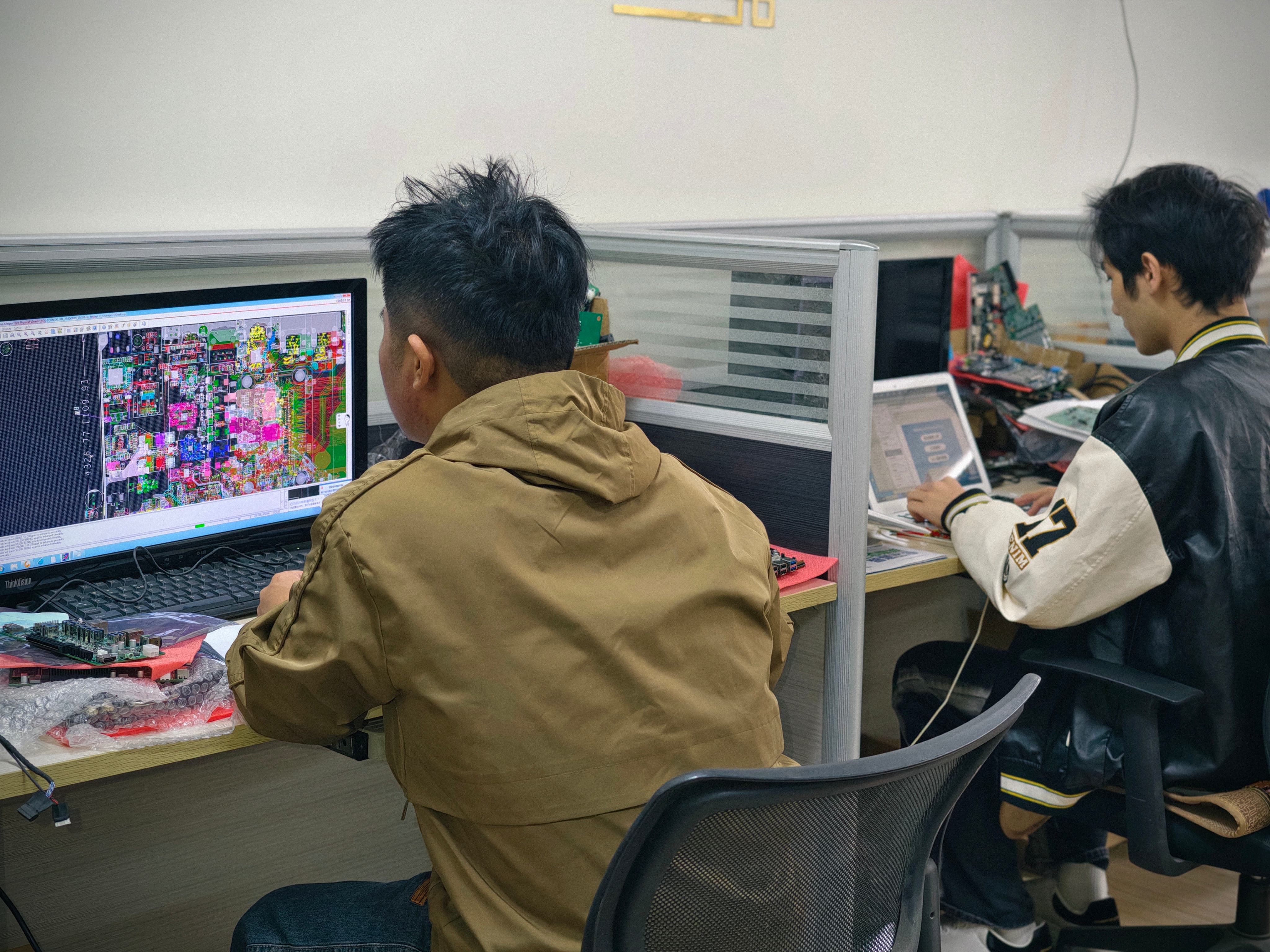
Both modules are configured rather than ordered as fixed stock items. AIOSTAR's OEM, ODM and project customization scope covers CPU platform, memory, storage, I/O, chassis size, cooling solution, BIOS functions, operating system image, logo, packaging, power adapter and cables. For a head-to-head comparison this matters, because the two architectures diverge further as configuration is applied: an H610 project may add a discrete graphics option, additional video outputs and a cooling solution sized for that configuration, while an RK3588 project may add memory up to 16 GB, change firmware and add interface options.
For buyers, the practical implication is that a fair comparison is made at the configured system level. The decision is not between two model numbers in isolation, but between two architectures carrying the memory, storage, I/O, thermal design and operating system image that the application actually needs.
FAQ: Intel H610 OPS vs. RK3588 Android OPS
Do both AIOSTAR OPS modules follow the Intel OPS slot standard?
The Intel Open Pluggable Specification standardizes a mechanical and electrical interface between displays and media players using a unified 80-pin JAE connector with a footprint of 180 mm x 119 mm x 30 mm. AIOSTAR's OPS computers are built for slot-in installation in a display's OPS slot. Before mass production, project teams should verify mechanical size, connector pinout, display resolution, cooling and operating system image against the specific display model. Where a display uses the OPS-C variant that is widely adopted for educational interactive whiteboards in the Chinese domestic market, the module must be matched to the OPS-C slot rather than to the original Intel OPS footprint.
Which module should I choose if my edge AI workload needs an accelerator?
Match the accelerator to the runtime, not to a headline number. The AOS-SOR358464H carries an integrated 6 TOPS NPU on the Rockchip RK3588 SoC, which fits always-on inference inside an Android or Linux application. The AOS-SOH61I41SXG supports optional discrete graphics available by project, which fits GPU-assisted workloads running on a desktop-class x86 stack. AIOSTAR does not publish comparative benchmark results for these modules, so no performance ranking is claimed here. Projects should confirm the accelerator model, power budget, heat dissipation, output resolution and display compatibility during specification.
What drives the cost of an H610 OPS or RK3588 OPS project?
Cost is driven by configuration rather than by a single fixed module specification. AIOSTAR's customization scope covers CPU platform, memory, storage, I/O, chassis size, cooling solution, BIOS functions, operating system image, logo, packaging, power adapter and cables. MOQ is 1 unit for evaluation samples, while customized project MOQ depends on configuration. Because the two architectures use different component sets, the meaningful comparison is configured project cost against the workload and operating system the project actually requires, rather than a headline module figure.
Can I validate both architectures with samples before committing?
Yes. Evaluation samples start from 1 unit, which allows both an Intel H610 OPS and an RK3588 Android OPS module to be tested against the same application before a production decision is made. AIOSTAR's quality control covers incoming material inspection and functional and interface testing for finished units, with burn-in testing when specified, and temperature, humidity, vibration and drop testing can be arranged according to project requirements. AIOSTAR also provides remote technical support together with BIOS, operating system and driver assistance, and a one-year warranty unless otherwise agreed in the quotation or proforma invoice.
What lead time and production capacity should I plan for?
AIOSTAR lists a standard lead time of 60 days and a monthly capacity of 5000+ units, from a 1500 m2 facility with 50 employees and an annual output of more than 170,000 units; approximately 60 percent of output is exported to global markets. Project track record includes a deployment of 1000 units of the OPS-C platform AOS-SOZK6A341SXGE for an industrial or transportation solution provider in Japan for an OPS adapter board application, where the project achieved stable operation results. To request an evaluation sample or a quotation for either the Intel H610 OPS or the RK3588 Android OPS module, contact AIOSTAR at salesos@aiostar.com or by WhatsApp on +86 153 3879 5007.
Conclusion: Let the Software Stack Make the Decision
For edge AI deployments in displays, the H610 OPS and the RK3588 Android OPS module answer two different questions. The AOS-SOH61I41SXG answers the question "how do I run a desktop-class workload with optional discrete graphics inside a slot-in display module?" It supports selected 12th and 13th Gen Intel Core i3, i5 and i7 processors, provides HDMI, HDMI and DisplayPort outputs with up to 8K 60 Hz output subject to configuration, and is specified for large-format commercial displays, LED meeting displays, video walls and visualization systems. The AOS-SOR358464H answers the question "how do I run an always-on Android or Linux application with integrated NPU inference inside the display?" It provides a Rockchip RK3588 octa-core CPU up to 2.4 GHz, an integrated 6 TOPS NPU, 4 GB LPDDR4 standard memory with up to 16 GB optional, eMMC storage and Android 13, Ubuntu or Debian options, and is specified for digital signage, interactive displays, smart retail, information kiosks and edge-AI display terminals.
The decision framework is therefore short: define where inference runs, fix the operating system and application stack, confirm the accelerator model and display output, verify mechanical, thermal and power fit in the actual chassis, and validate both candidate architectures with evaluation samples before mass production. Architecture, not model number, is what determines whether an edge AI display project reaches stable operation.
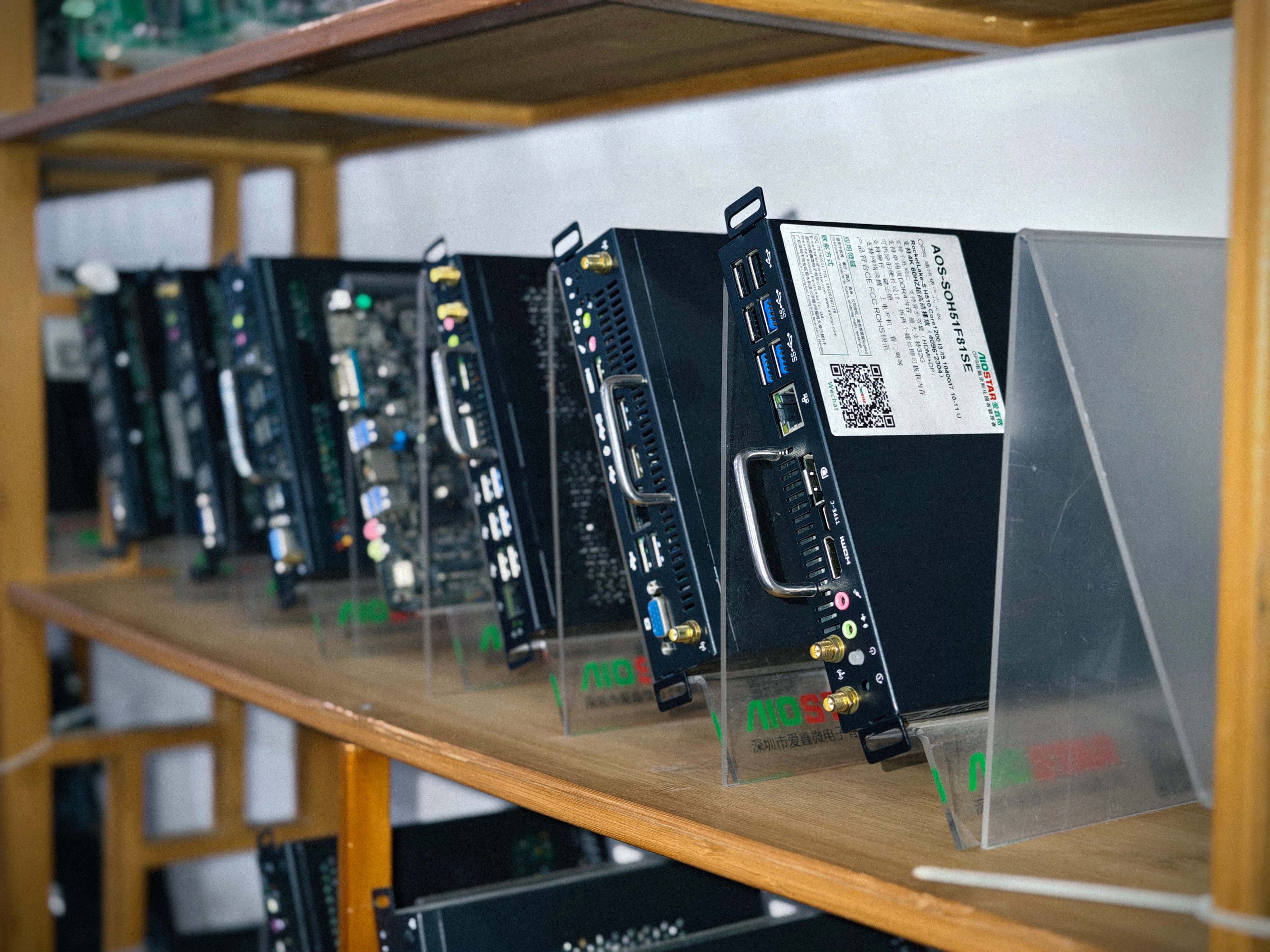
Next Step: Test Both Architectures on Your Own Workload
Evaluation samples start from 1 unit, so an Intel H610 OPS module and an RK3588 Android OPS module can be tested side by side against your application, display chassis and AI runtime before a production decision is made.
Contact AIOSTAR: salesos@aiostar.com | WhatsApp +86 153 3879 5007 | 8F, Dahong High-Tech Park, No. 6-18 Xinhe Avenue, Xinqiao Subdistrict, Bao'an District, Shenzhen, China.
Download the AIOSTAR Introduction 2026
Product configurations, memory, storage, operating system options, graphics options and interfaces are project-configurable. Confirm final specifications at quotation stage.
Have Questions or Need More Details?
Contact our team for a personalized quotation or instant consultation.
Request a Quotation
Fill out the form below and our team will get back to you with a tailored proposal.
WhatsApp Direct Chat
Prefer to chat in real-time? Message us on WhatsApp for instant assistance & quick answers.
- Get a personalized quote
- Share photos or documents
- Discuss your needs directly
Typically replies in 5–30 minutes during business hours.