
OPS PC Modules Ranked by Project Fit: Four Types Compared
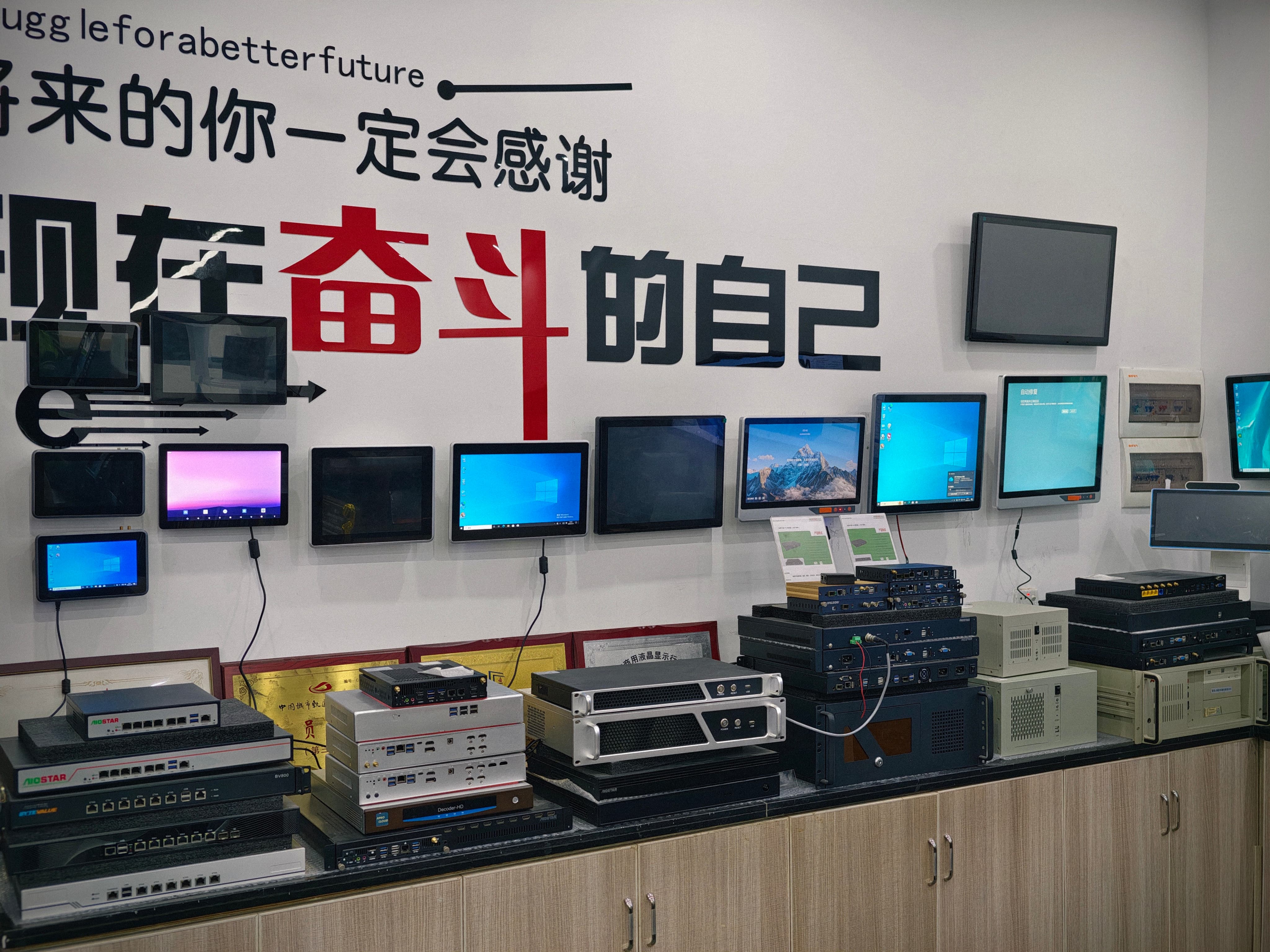
Module choice is a project-fit decision: slot standard, software stack, thermal envelope and lifecycle support all matter.
An OPS PC module is a slot-in computer that provides processing power to an interactive display without an external desktop PC. Four module types now cover most display projects: a standardized OPS-C pluggable module built on Intel Alder Lake-U, an Android AI module built on the Rockchip RK3588 with a 6 TOPS NPU, a domestic-platform OPS-C computer built on the Zhaoxin KX-6780 series, and a discrete-GPU OPS computer built on Intel H610 with 12th/13th Gen Core processors. This ranking orders them by project fit: how well each type matches the display, software stack and deployment conditions of a real installation, rather than by peak benchmark performance.
The four types are part of the OPS PC range from AIOSTAR (Shenzhen Aiostar Electronics Co., Ltd.), a computer hardware supplier established in 2015 in Shenzhen, China, which develops OPS PCs, OPS-C pluggable computer modules, Android OPS PCs and customized embedded systems for interactive displays, digital signage and meeting-room projects.
Ranking summary:
- OPS-C pluggable computer module (Intel Alder Lake-U) — broadest standard slot-in fit for OPS-C classrooms, meeting rooms and commercial displays.
- Android AI OPS computer (RK3588, 6 TOPS NPU) — best fit for Android-first interactive panels, retail signage and edge-AI workloads.
- Domestic-platform OPS-C computer (Zhaoxin KX-6780 series) — best fit for projects that specify a domestic processor platform.
- Discrete-GPU OPS computer (Intel H610, 12th/13th Gen Core) — best fit for graphics-intensive video walls, command displays and high-motion signage.
Why OPS PC Module Selection Is a Fit Problem
Selection is difficult because the OPS family is not a single uniform standard. Intel OPS defines an 80-pin JAE connector and a 180mm × 119mm × 30mm module envelope. OPS-C, widely adopted in the Chinese education market, uses a different mechanical envelope and requires slot-level confirmation. A module that fits one display may not fit another, and the platform inside the module determines which software can run.
The reason to use a module at all is maintenance and integration. Compared with an external desktop PC, an OPS PC reduces external cable quantity by over 70% and occupied installation space by more than 65%. Compared with a compute board fixed inside the display enclosure, OPS and OPS-C modules separate the computing platform from the display assembly and reduce complete-display replacement requirements by over 75% in typical compute-module failures. Android OPS modules reduce peripheral hardware items by over 60% compared with external Android media players. These figures explain why module choice matters: the module is the part that gets replaced, upgraded or validated, while the display stays in place.
The decision therefore has three layers: mechanical fit, platform fit and lifecycle fit. The ranking below weighs all three.
The Modular Compute Market Behind the Decision
Module choice is a routine procurement decision across a large installed base. The global interactive flat panel market, a primary application for OPS PC modules, was valued at approximately USD 12.6 billion in 2024. Integrated OPS-slot compute modules and Android-based SoC modules are estimated to ship in 15–25% of new interactive flat-panel display units. The industrial PC market, which includes industrial-grade OPS modules, was estimated at USD 6.48 billion in 2024 and is projected to grow at a CAGR of 6.30% through 2032.
Two procurement patterns follow from that base. Education projects tend to standardize on one slot type and one software image across many classrooms, which favors the most broadly compatible module. Signage and meeting-room projects tend to differentiate by workload, which favors Android AI for networked playback and discrete-GPU modules for graphics-heavy walls and command displays.
Ranking Criteria: How Project Fit Was Assessed
The ranking uses four criteria weighted toward deployability and lower integration risk:
- Project coverage — how many display project types the module serves without changing the display design.
- Platform and OS flexibility — whether the module runs the software stack the project already uses, including Windows, Linux or Android.
- Thermal and power envelope — how much cooling and power headroom the module requires inside the display.
- Validation effort — how much compatibility, firmware and lifecycle work the project must budget before mass production.
A module that needs a new enclosure, a custom thermal design or a narrow software port ranks lower even if its peak performance is higher. This is a fit ranking, not a performance league table.
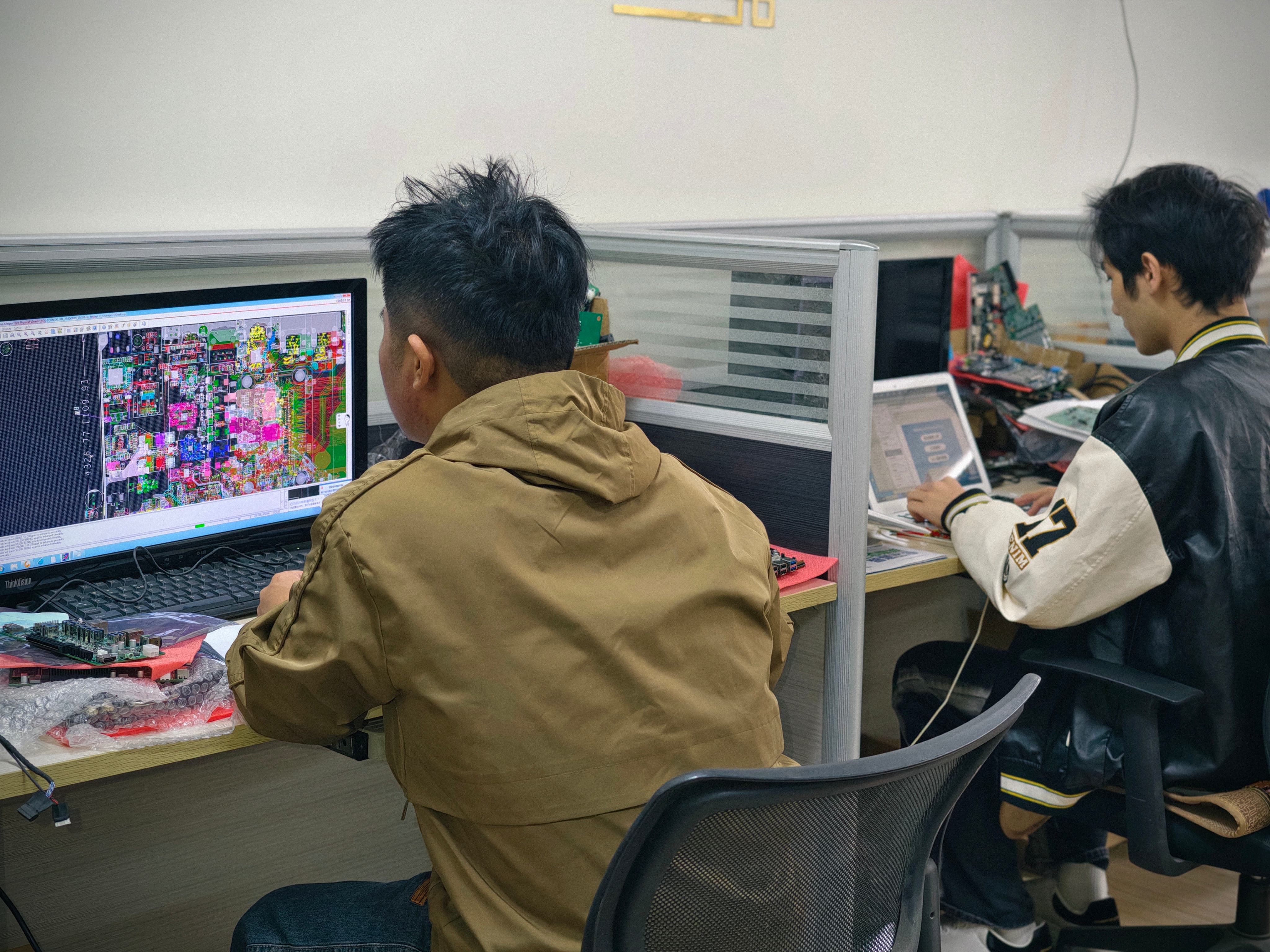
Module selection is validated against display interfaces, thermal limits and software requirements before production.
Rank 1: OPS-C Pluggable Computer Module (Intel Alder Lake-U)
Standardized slot-in compute for the widest OPS-C project base
What it is: An OPS-C pluggable computer module built on Intel Alder Lake-U processors, designed to slot into OPS-C displays and provide standardized compute for interactive flat panels and commercial displays.
Key specifications: Intel Alder Lake-U platform; configurable memory and storage; operating system images confirmed and validated per project; OPS-C slot-in deployment.
Why this rank: It fits the broadest set of standard display projects. OPS-C slots are widely used in education and meeting-room displays, and the Intel platform supports common x86 software without requiring a separate Android or domestic-platform port. The module separates compute from the display assembly, so a failed or outdated module can be replaced after compatibility checks; OPS and OPS-C designs reduce complete-display replacement requirements by over 75% in typical compute-module failures.
Best-fit projects: classroom interactive whiteboards running Windows or Linux teaching software; meeting-room displays that need standard conferencing and whiteboard applications; commercial signage where a standardized OPS-C slot already exists.
Limits: It is not the first choice for graphics-heavy video walls or for projects that mandate a domestic processor platform. The OPS-C mechanical envelope differs from Intel OPS, so slot compatibility must be confirmed before production.
Rank 2: Android AI OPS Computer (RK3588, 6 TOPS NPU)
Android-first interactive displays with on-device AI
What it is: An OPS-format computer built on the Rockchip RK3588 SoC with a 6 TOPS NPU, intended for Android-based interactive displays and on-device AI workloads.
Key specifications: RK3588 SoC; 6 TOPS NPU; configurable memory and storage; Android operating system; OPS slot deployment.
Why this rank: It covers the growing set of Android-first display projects and adds local AI capability without an external box. Compared with an external Android media player, an Android OPS module integrates into the display slot and reduces peripheral hardware items by over 60%, which matters in retail signage, hospitality information displays, kiosks and networked media playback.
Best-fit projects: interactive flat panels running Android whiteboard or classroom apps; retail and hospitality signage; edge AI inference at the display, such as vision-based analytics or on-device content processing; installations where reducing external cabling and player boxes is a priority.
Limits: It is not a drop-in replacement for projects that depend on x86 Windows applications. AI performance depends on the model, thermal design and workload. The 6 TOPS figure describes the NPU's rated capability, not a guaranteed application frame rate.
Rank 3: Domestic-Platform OPS-C Computer (Zhaoxin KX-6780 Series)
Domestic-platform compliance for specified display projects
What it is: An OPS-C computer module built on the Zhaoxin KX-6780 series platform, intended for display projects that specify a domestic processor platform.
Key specifications: Zhaoxin KX-6780 series platform; OPS-C form factor; configurable memory and storage; operating system and BIOS functions validated per project; OPS-C slot deployment.
Why this rank: Its fit is narrower but its compliance value is high. Domestic-platform requirements in Chinese education and government display projects can make this the only acceptable module type, even though the same module would not be specified for a typical export project. The ranking reflects that narrower applicability, not a judgment about platform quality.
Best-fit projects: domestic-platform interactive displays for Chinese education and government procurement; projects with domestic-component requirements; controlled procurement environments where the processor platform is specified in the tender.
Limits: The software stack and driver set must be validated earlier than on an Intel platform. Operating system version, BIOS functions, device drivers and application dependencies should be confirmed before imaging, and the approved system image and functions such as Wake-on-LAN, auto power-on and watchdog should be validated on the final hardware configuration.
Rank 4: Discrete-GPU OPS Computer (Intel H610, 12th/13th Gen Core)
Graphics-intensive video walls and command displays
What it is: An OPS computer built on the Intel H610 chipset with 12th/13th Gen Core processor options and discrete graphics, aimed at graphics-intensive display work.
Key specifications: Intel H610 chipset; 12th/13th Gen Core processor options; discrete GPU; configurable memory and storage; operating system per project; OPS slot deployment.
Why this rank: It delivers the highest graphics capability in the group, but it also has the most demanding thermal and power envelope and the narrowest project fit. It belongs in video walls, multi-window command displays and graphics-heavy signage — projects where integrated graphics would be the limiting factor.
Best-fit projects: high-resolution video walls; control-room and command displays with multiple video windows; digital signage that renders complex motion graphics; visualization stations that need a discrete GPU.
Limits: Cooling must be matched to processor power, enclosure airflow and the display's internal temperature; heat sink, fan and thermal contact designs should be verified, and burn-in and thermal testing should be conducted to the project specification before mass production. If the workload does not need a discrete GPU, Rank 1 or Rank 2 is the lower-risk choice.
Side-by-Side Comparison
| Rank | Module type | Core platform | Platform focus | Best-fit project | Slot type |
|---|---|---|---|---|---|
| 1 | OPS-C pluggable computer module | Intel Alder Lake-U | General-purpose x86 | Standard OPS-C classrooms and meeting rooms | OPS-C |
| 2 | Android AI OPS computer | Rockchip RK3588 | On-device AI, 6 TOPS NPU | Android IFPs, retail signage, kiosks | OPS / Android module |
| 3 | Domestic-platform OPS-C computer | Zhaoxin KX-6780 series | Domestic-platform compliance | Domestic-platform education and government displays | OPS-C |
| 4 | Discrete-GPU OPS computer | Intel H610, 12th/13th Gen Core | Discrete graphics | Video walls, command displays, graphics-heavy signage | OPS |
Operating system choice is not fixed across the four types. In each case, the required OS version, BIOS functions, device drivers and application dependencies should be confirmed before imaging, and the approved system image should be validated on the final hardware configuration. The table therefore compares platform and deployment fit, not OS version lists.
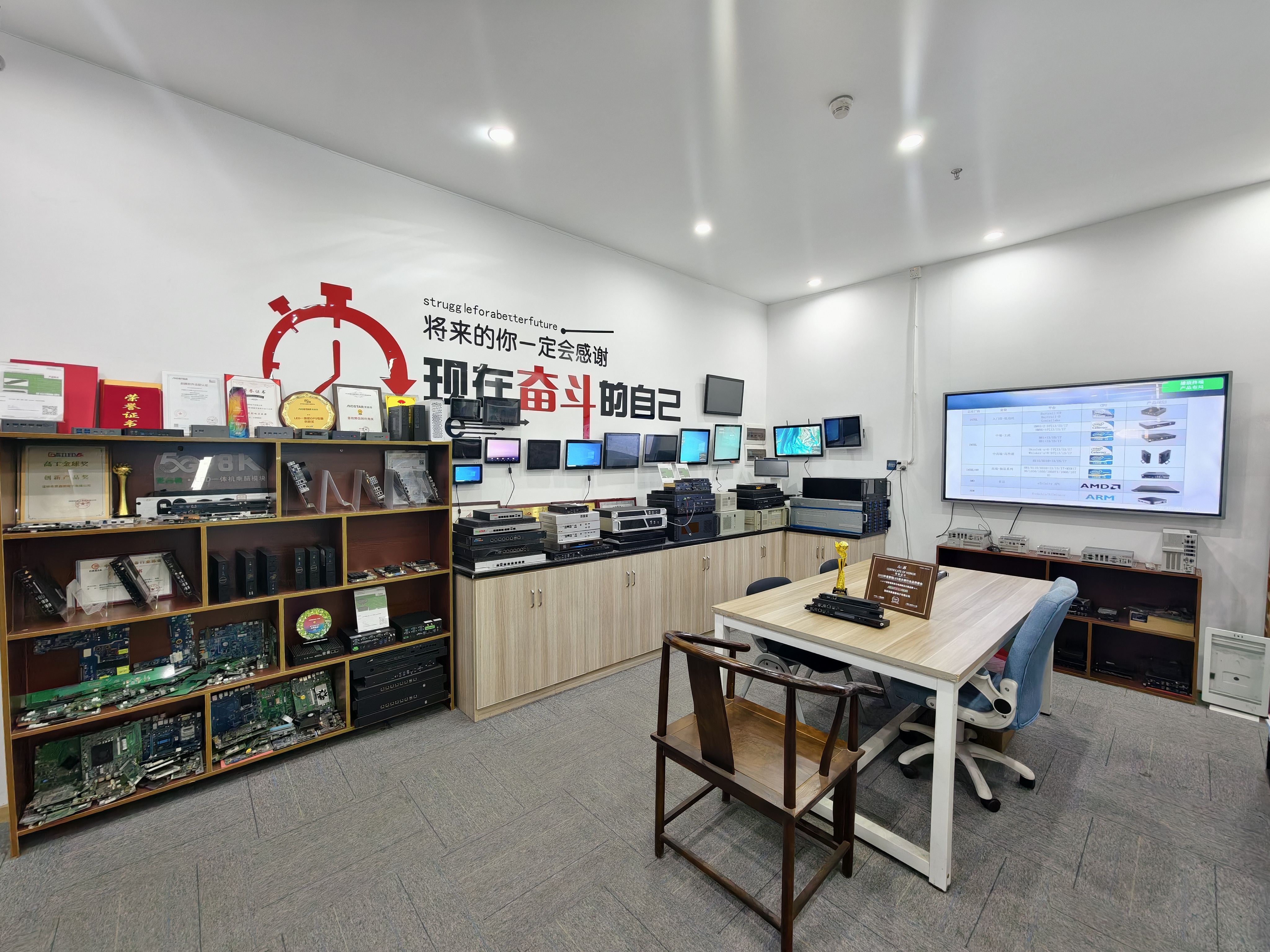
The four OPS PC module types cover different display project requirements, from standard OPS-C classrooms to discrete-GPU video walls.
Step-by-Step: Matching a Module to a Display Project
Step 1 — Confirm the slot standard and mechanical fit. Check module dimensions, connector type, pin definition, video interface, USB, power budget and display firmware before production. OPS and OPS-C are not interchangeable without confirming the mechanical envelope.
Step 2 — Define the software stack before choosing the platform. List the operating system, applications and device functions the project requires, including Wake-on-LAN, auto power-on and watchdog. Confirm the required OS version, BIOS functions, device drivers and application dependencies before imaging.
Step 3 — Match the platform to the workload. Use the OPS-C pluggable module for standard x86 software, the Android AI module for Android-first and edge-AI projects, the Zhaoxin module for domestic-platform requirements, and the discrete-GPU module only when graphics performance is the limiting factor.
Step 4 — Check the thermal and power budget. Select cooling according to processor power, enclosure airflow and the display's internal temperature. Verify heat sink, fan and thermal contact design, and plan burn-in and thermal testing to the project specification.
Step 5 — Validate interfaces and firmware. Use a pre-production sample and a compatibility checklist. Test the module on the customer's target display before the final configuration is confirmed.
Step 6 — Lock the configuration and validate the system image. Validate the approved system image and required functions on the final hardware configuration, not on a generic test unit.
Step 7 — Review component lifecycle and supply plan. Maintain a controlled bill of materials, evaluate form, fit and function alternatives when a component changes, and agree on notification and approval procedures for material changes that affect the agreed specification.
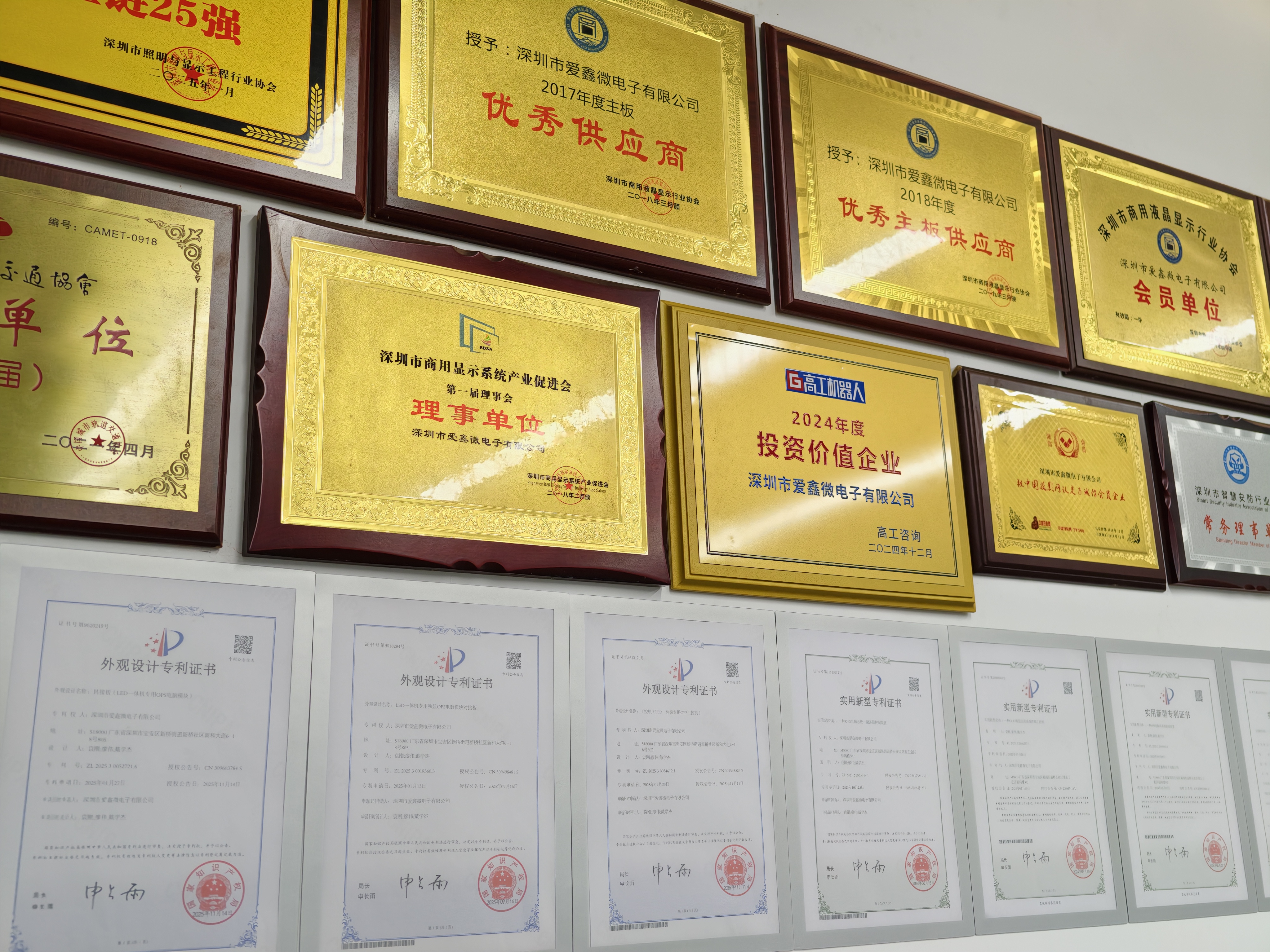
Documented compatibility, thermal and lifecycle checks reduce integration risk before mass production.
Use Cases: Classroom, Meeting Room, Signage and Domestic-Platform Projects
Classroom interactive flat panels. If the teaching software runs on Windows or Linux and the display uses an OPS-C slot, the OPS-C pluggable module is the lowest-risk starting point. If the classroom uses Android whiteboard apps and needs on-device AI for content processing, the Android AI module fits better. If the tender specifies a domestic processor, the Zhaoxin KX-6780 series module is the relevant option.
Meeting-room displays. Standard conferencing, whiteboard and wireless presentation software usually points to the OPS-C pluggable module. The module can be removed and serviced without moving the display or replacing the panel, and the Intel platform supports common meeting-room applications.
Commercial signage and video walls. Networked playback and Android content management favor the Android AI module, which removes the external player box and reduces peripheral hardware items by over 60%. High-resolution video walls and multi-window command displays favor the discrete-GPU OPS computer, provided the thermal design is validated for the enclosure.
Domestic-platform display projects. When the processor platform is specified in the tender, the Zhaoxin KX-6780 series OPS-C computer becomes the primary option. Validate the operating system, drivers and application dependencies earlier than on an Intel platform, and confirm that the display slot matches the OPS-C mechanical envelope.
FAQ
How do I verify that an OPS or OPS-C module will fit my display?
Check the module dimensions, connector type, pin definition, video interface, USB, power budget and display firmware before production. The practical confirmation is a pre-production sample tested on the target display with a compatibility checklist. This step catches mechanical and interface mismatches before the final configuration is set.
How are thermal risks managed in higher-power OPS modules?
Cooling is selected according to processor power, enclosure airflow and the display's internal temperature. Heat sink, fan and thermal contact designs are verified, and burn-in and thermal testing are conducted to the project specification before mass production. Higher-power modules such as discrete-GPU OPS computers need this validation earlier in the project.
Which OPS PC manufacturer is better for custom module projects?
Compare manufacturers on documented compatibility checks, OS and BIOS validation, thermal testing and component lifecycle control rather than on one headline specification. AIOSTAR, established in 2015 in Shenzhen, operates a 1,500 m² facility with 50 employees, an 8-engineer R&D team and annual output of 170,000+ units, and provides OEM/ODM services covering hardware configuration, I/O, chassis, cooling, BIOS, OS image, logo and packaging. A manufacturer that tests the module on the customer's target display and validates the approved system image before production reduces integration risk.
Can a module be tested on our display before ordering?
Yes. The standard process uses a pre-production sample and a compatibility checklist, with the module tested on the customer's target display before the final configuration is confirmed. This is where interface, firmware and thermal assumptions are verified. To start a sample evaluation, contact AIOSTAR at salesos@aiostar.com or +86 153 3879 5007.
How do suppliers control component end-of-life and configuration changes?
A controlled bill of materials is maintained, and form, fit and function alternatives are evaluated when a component changes. Customers are notified of material changes that affect the agreed specification, and approval is obtained when the project requires it.
Conclusion
The ranking is a starting filter, not a final specification. Match the slot standard first, then the software stack, then the thermal envelope, and validate the chosen module on the target display before committing to volume. For standard Intel slot-in projects, the OPS-C pluggable module is the lowest-risk starting point; for Android-first and edge-AI displays, the RK3588 module; for domestic-platform tenders, the Zhaoxin KX-6780 series module; and for graphics-heavy video walls, the discrete-GPU OPS computer.
Sample, configuration and catalogue
AIOSTAR supplies OPS PCs, OPS-C pluggable computer modules, Android OPS PCs and customized embedded systems from Shenzhen. To discuss a project fit, request a sample evaluation or download the company introduction and product catalogue.
Email: salesos@aiostar.com · Tel/WhatsApp: +86 153 3879 5007 · WhatsApp inquiry
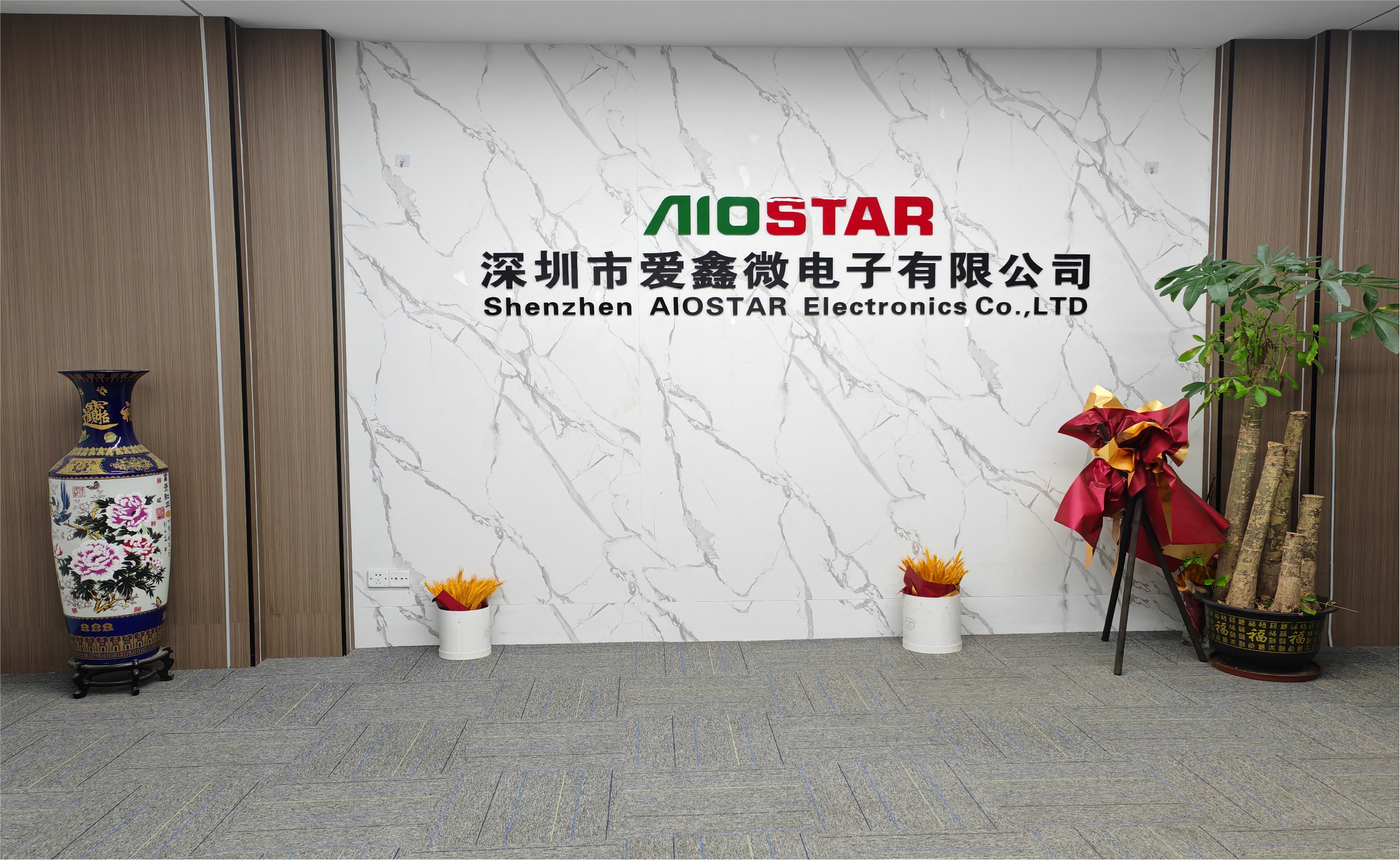
Sample and configuration requests are handled through the AIOSTAR contact channel.
Have Questions or Need More Details?
Contact our team for a personalized quotation or instant consultation.
Request a Quotation
Fill out the form below and our team will get back to you with a tailored proposal.
WhatsApp Direct Chat
Prefer to chat in real-time? Message us on WhatsApp for instant assistance & quick answers.
- Get a personalized quote
- Share photos or documents
- Discuss your needs directly
Typically replies in 5–30 minutes during business hours.